Detected apps
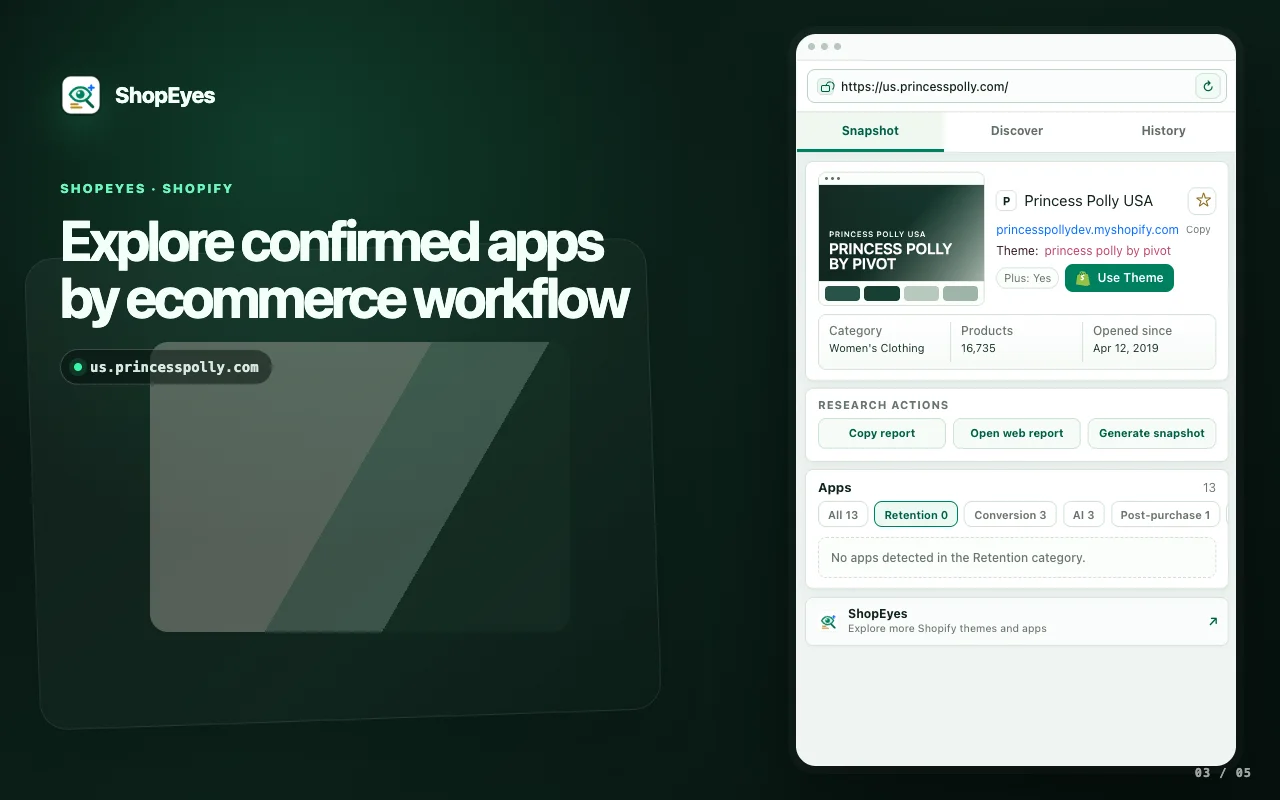
See visible Shopify apps grouped by ecommerce job, including reviews, email, support, tracking, returns, and conversion workflows.
 ShopEyes.top
Use ShopEyes as a free Shopify app detector extension and free Shopify theme detector extension while you browse public storefronts.
Use the web detector for quick checks; use the Chrome extension window when you are browsing many competitor stores. Results are based on public storefront signals.
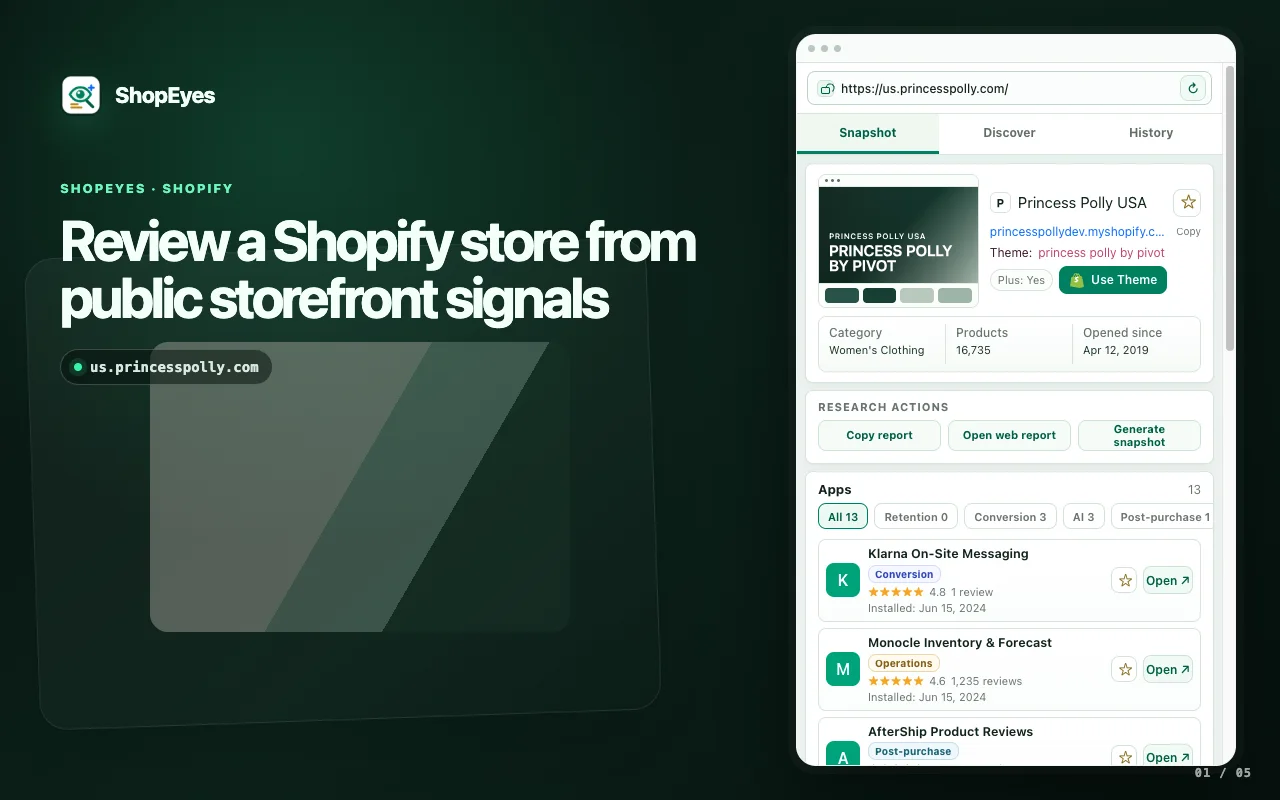
Open a store, keep the storefront visible, and review the public signals that explain how the shop presents, supports, and converts buyers.
See visible Shopify apps grouped by ecommerce job, including reviews, email, support, tracking, returns, and conversion workflows.
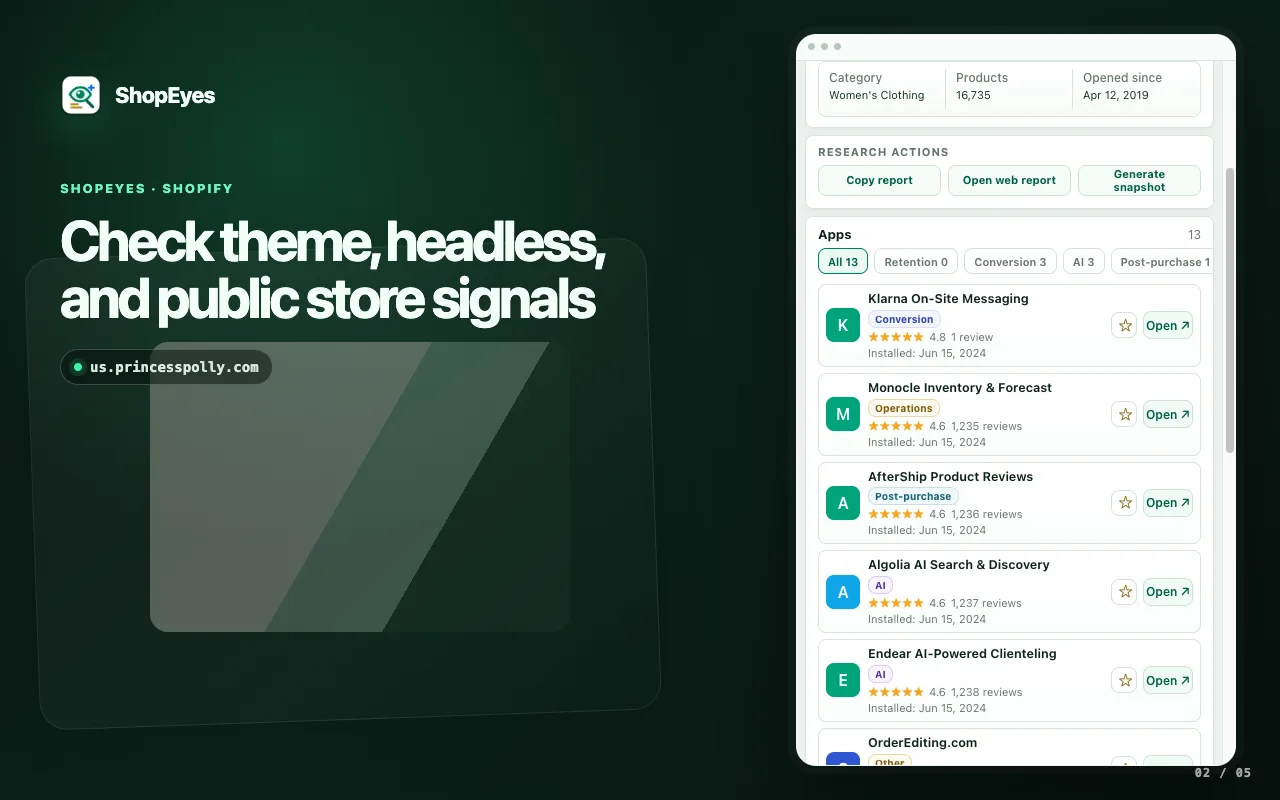
Find Shopify theme clues, headless Shopify signals, theme names, and theme store links when public storefront evidence is available.
Review domain, social profiles, product count, Shopify Plus signal, category context, and storefront metadata in one place.
Keep useful stores and apps close at hand so competitor research can continue across browsing sessions.
The extension keeps Shopify research in its own compact Chrome window.
Visit a public storefront you want to research.
Launch the Chrome extension window from the current tab.
Read apps, theme clues, socials, and store context without copying the URL.
Research Shopify apps, themes, social profiles, and store signals in a dedicated extension window.
Understand how a store handles reviews, email, support, subscriptions, returns, tracking, and conversion without copying the URL into another tool.
ShopEyes opens in a Chrome extension window and groups detected apps by ecommerce workflow.
Quickly see whether a store is built on a recognizable Shopify theme and collect the surrounding context that helps explain the storefront experience.
The window shows theme clues, myshopify domain, Shopify Plus signal, product count, category context, and theme store links when public evidence is available.
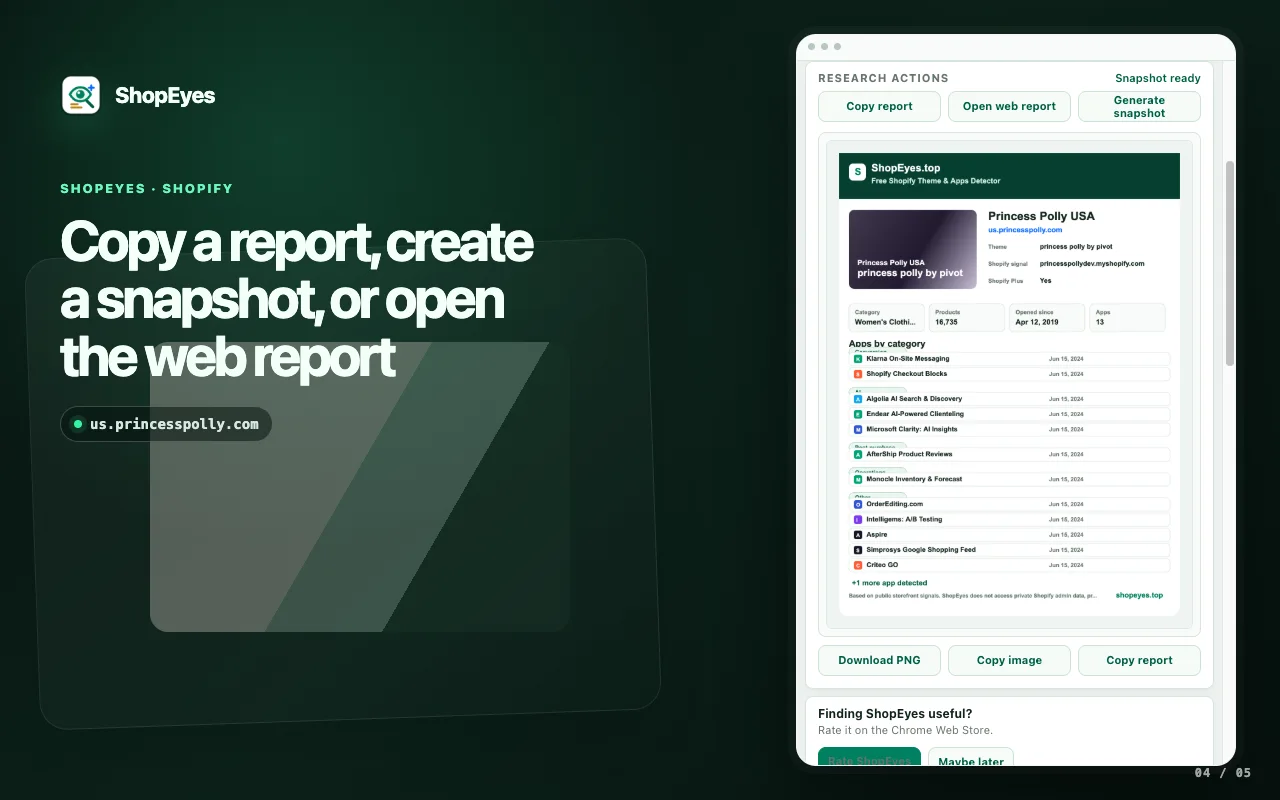
Copy a report, generate a branded snapshot, or open the web report when you want to share or continue your analysis.
ShopEyes keeps research actions next to the public signals they came from.
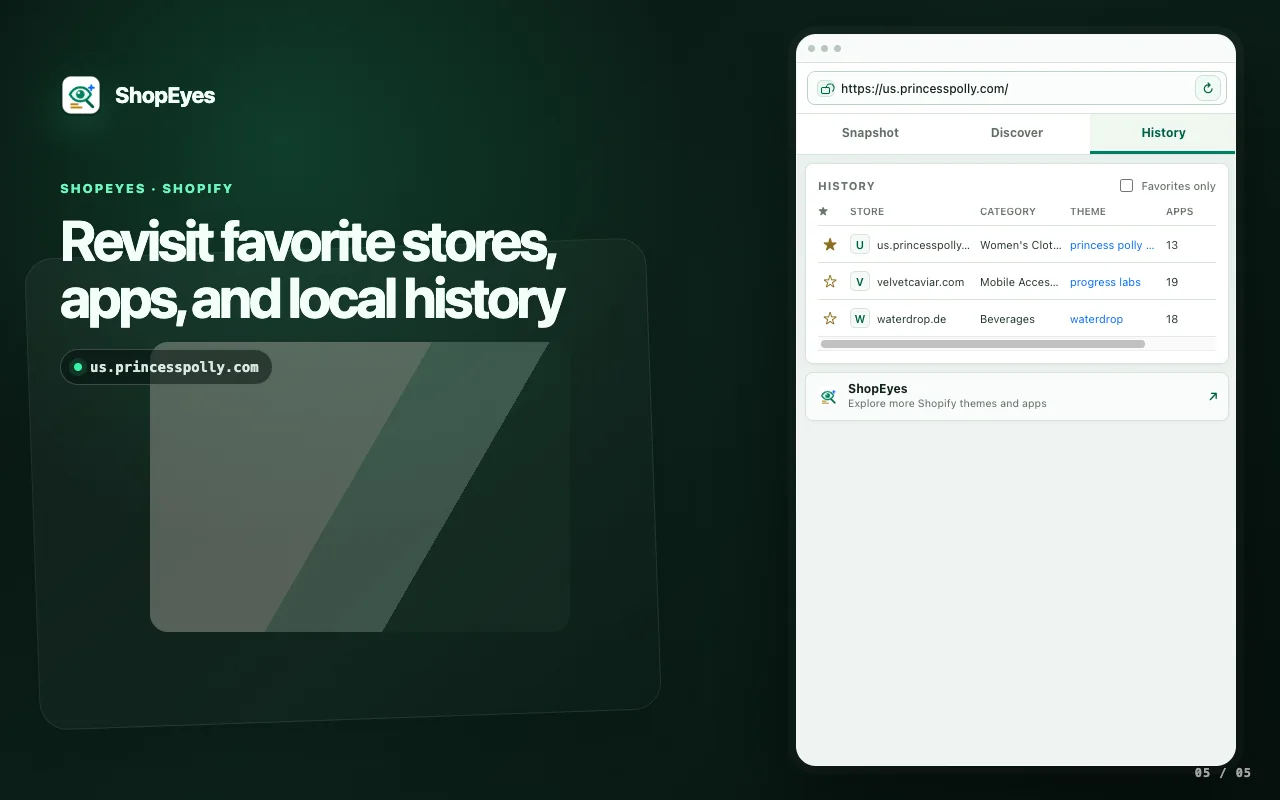
Keep promising competitor examples close at hand while you move across different Shopify storefronts.
Saved stores and saved apps stay in Chrome storage for follow-up research across browsing sessions.
ShopEyes works from public storefront pages you choose to analyze. It does not read private Shopify admin data, payment data, passwords, or checkout information.
Yes. ShopEyes is a free Shopify app detector extension and free Shopify theme detector extension for Chrome.
ShopEyes can show visible apps, theme clues, headless Shopify signals, Shopify Plus signals, social profiles, product count, and local saved research context.
ShopEyes can identify some headless Shopify stores when public Shopify storefront signals or public detection data are available.
No. ShopEyes reads public storefront signals from pages you choose to inspect. It does not read private apps, admin data, checkout data, payment data, passwords, or hidden backend tools.
Yes. The web detector is useful for quick checks, while the extension is better when you are browsing many competitor stores.
The extension window keeps results stable on storefronts that mistake Chrome side panels for developer tools.